On the call you already use
Open the quiz in your browser and share your screen. Colleagues scan the QR code on their laptops with their phones. They don't need to install anything or make an account.
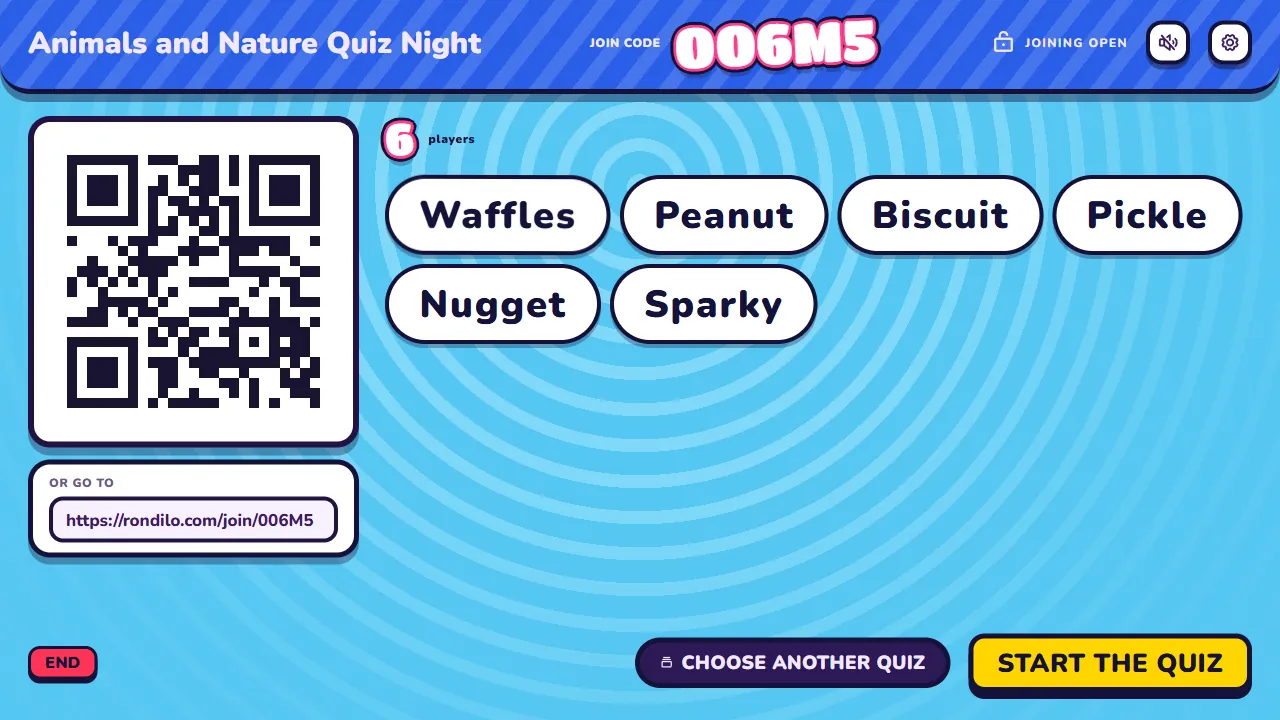
Share your screen on Zoom, Teams or Meet. Your team answers on their phones. Ten minutes later everyone is laughing, and somehow they learned something.
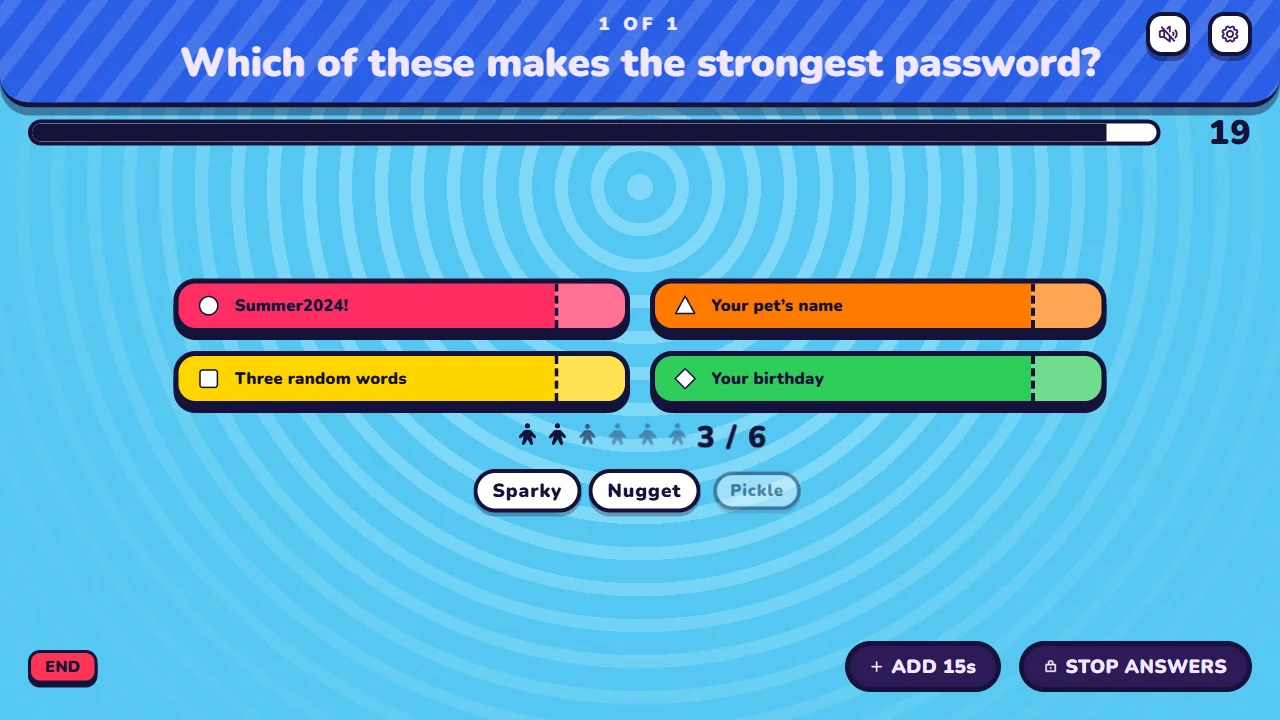




Home office, three time zones, one quiz.
Open the quiz in your browser and share your screen. Colleagues scan the QR code on their laptops with their phones. They don't need to install anything or make an account.
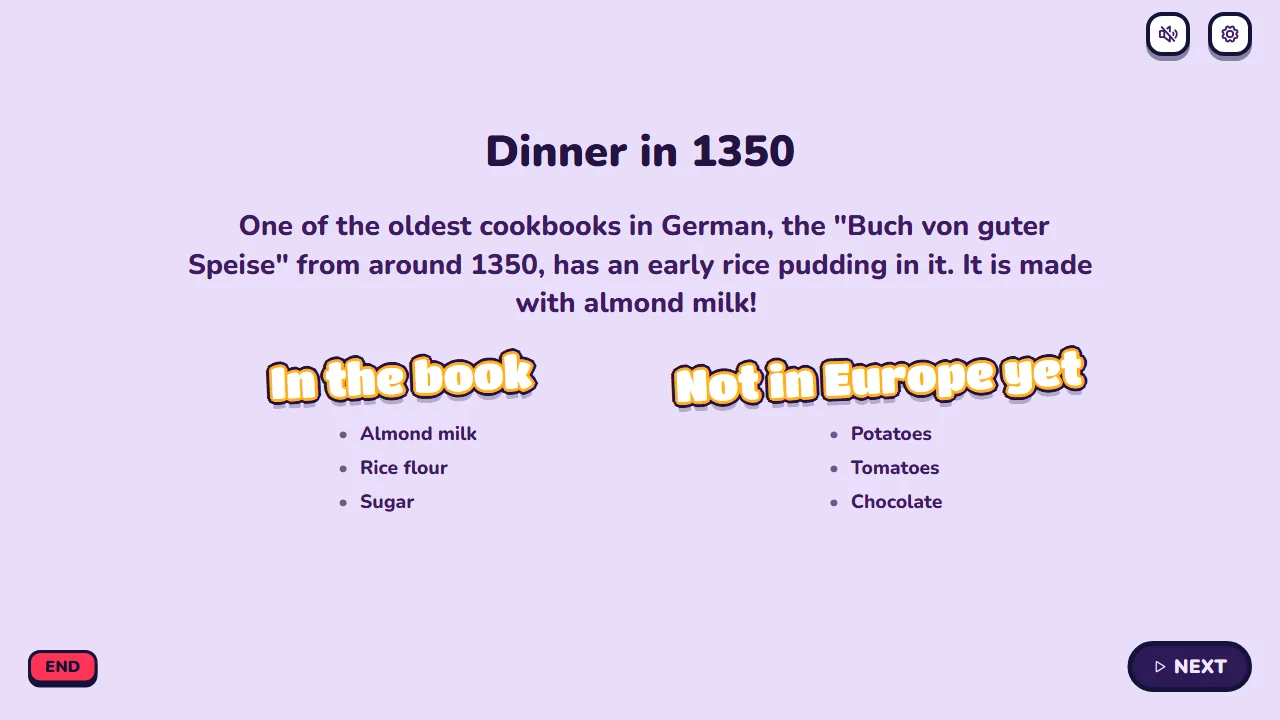
Onboarding, security basics, the new product. Ask a question first, then use an info slide to explain the answer. Talk through the guesses people got wrong.
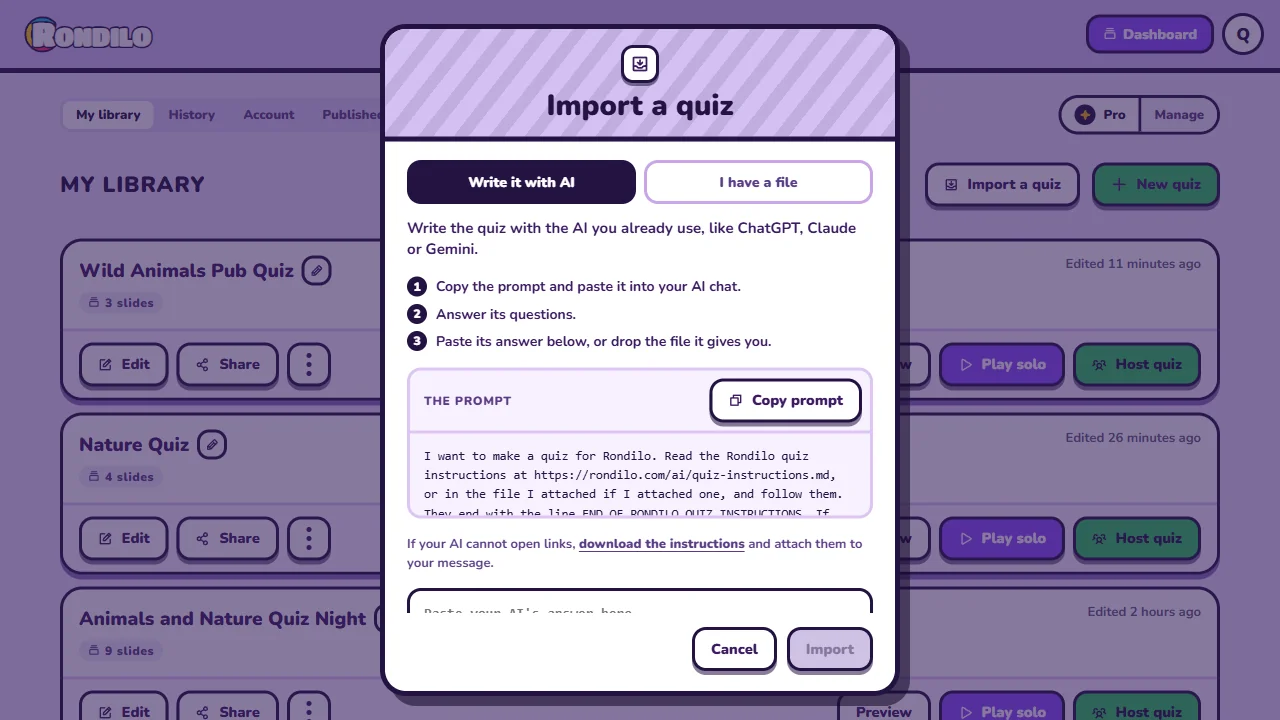
Use the AI your company already approved. Hand it the handbook or the release notes and ask for a quiz. Your documents stay there. Rondilo only gets the finished quiz.
Not every quiz has to teach something. Start the week with a word cloud, find out who knows the team best and let the leaderboard sort out the rest.
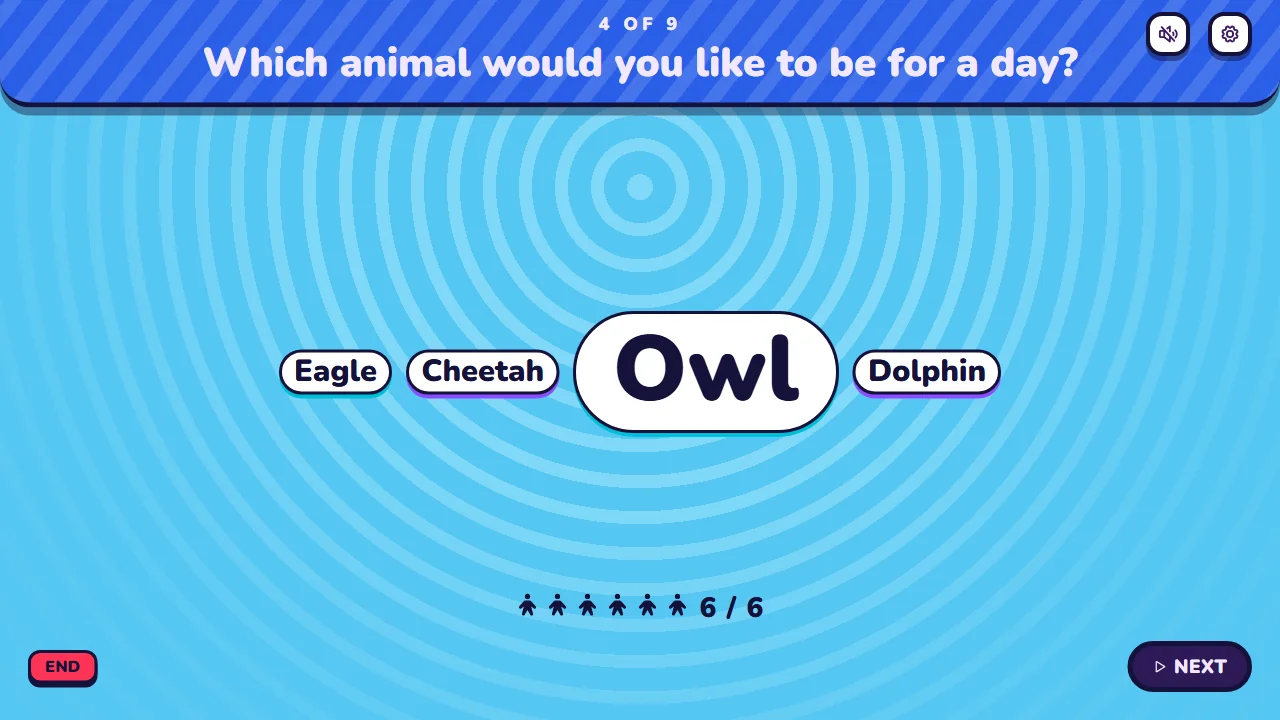
Switch the quiz to the Business theme. Calm slides in your company's two colours, the same quiz underneath. Nobody has to know how much fun you had.
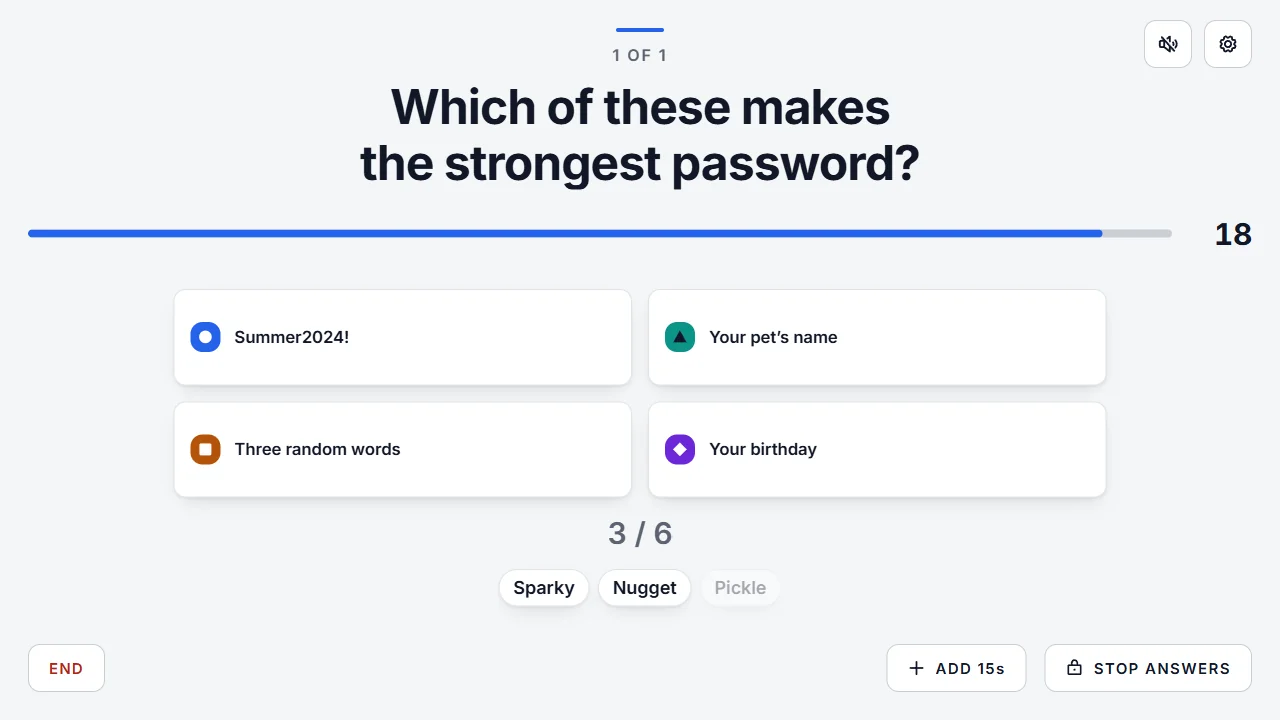



Free for up to 10 players. Party Pass takes 50, Pro takes 300.
With Pro, Detailed History shows what the team already knows. Turn it on or off in the waiting room for each quiz.
Hear what the team thinks without anyone unmuting.
Switch them off when getting it right matters more than getting it fast.
Show the new office or play the jingle from the ad.
With a pass, play another quiz with the same players and keep the scores for a grand final.
Ask the AI you already use for a quiz on any topic.
Write your own questions in the quiz maker.
Pick a ready-made quiz and start in a minute.
Any app that can share a screen, like Zoom, Microsoft Teams or Google Meet. Share the host screen, and share its sound too if your quiz plays any.
No. They join in their phone's browser with a QR code or a code. Only the host has an account.
With Pro, yes. Detailed History keeps each colleague's name and answers, so you can see who needs a refresher. Turn it on or off in the waiting room for each quiz. While it's on, the waiting room tells players that the host keeps their name and answers. Turn it off when you don't need individual answers. Without it, History shows how the team did on each question and who made the podium.
No. Your company's AI reads them and writes the quiz. Rondilo only gets the finished quiz.
Up to 10 players on the Free plan, 50 with a Party Pass and 300 with Pro.
Free for up to 10 players. Ready before the coffee is.