Teach, then check
Ask a question, then explain the answer on an info slide. Talk through the wrong guesses, then use a quiz at the end to see what stuck.
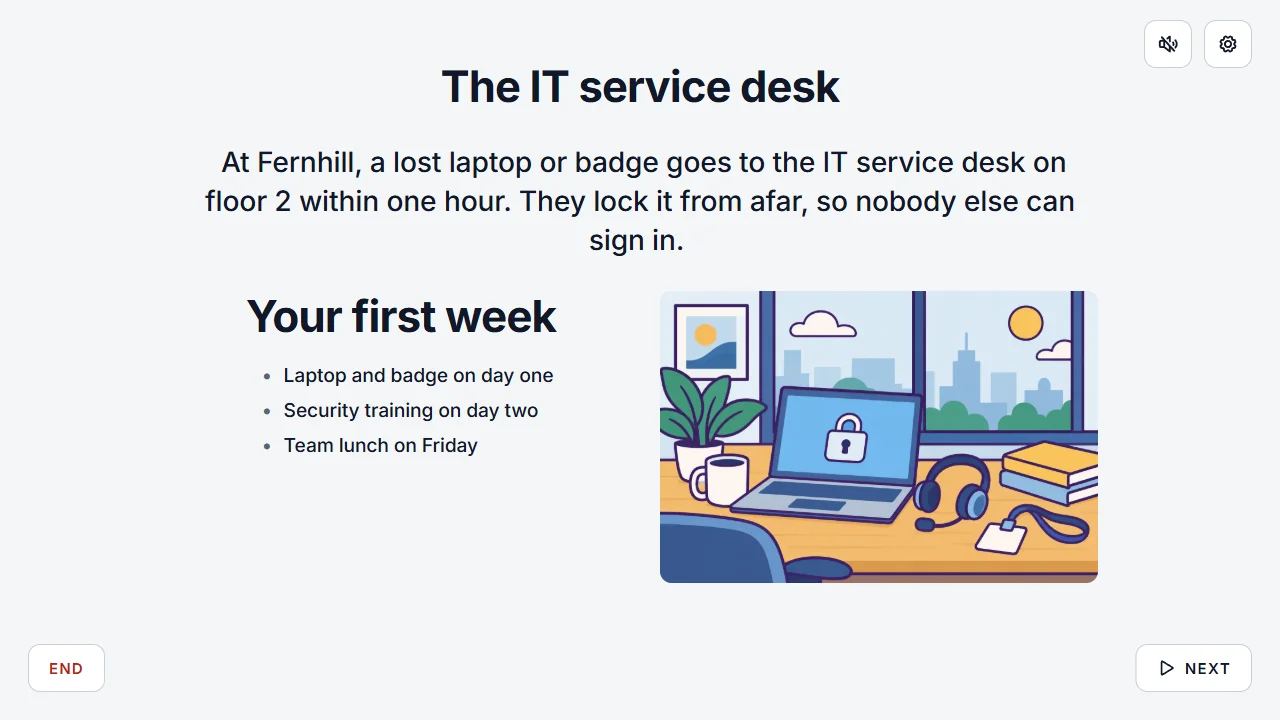
Add a quiz to your training, workshop or onboarding. Everyone answers on their phone, and you see what the group knows and what you need to cover again.
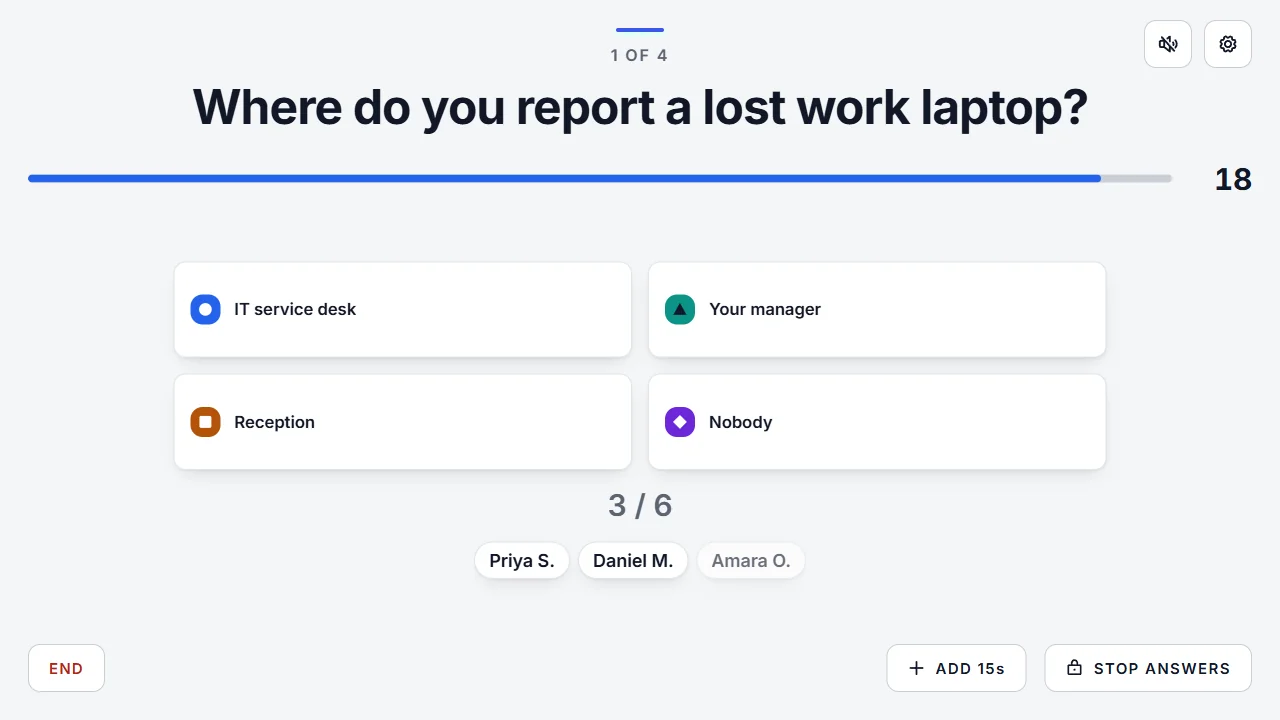




Teach a little, ask a little, see what stuck.
Ask a question, then explain the answer on an info slide. Talk through the wrong guesses, then use a quiz at the end to see what stuck.
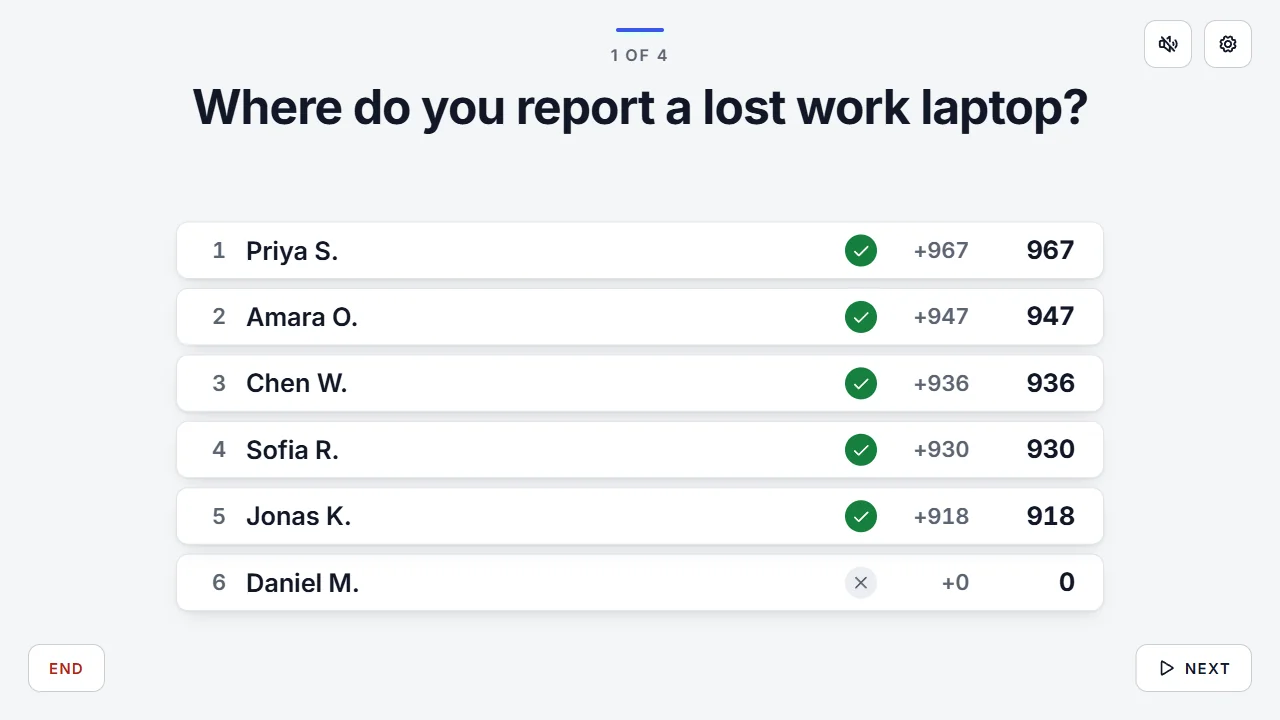
After each question, the leaderboard shows who's ahead. A bit of competition helps on a long training day.
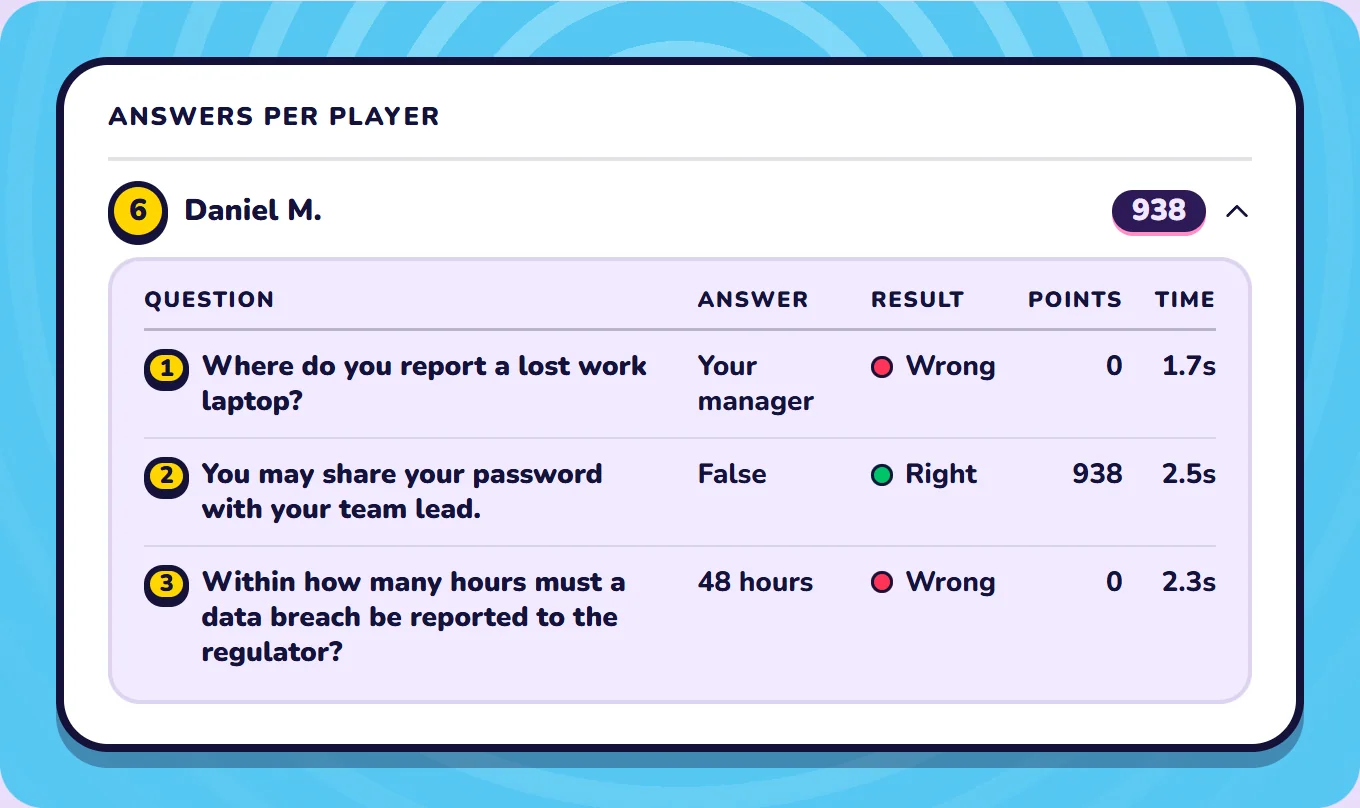
With Pro, Detailed History keeps each person's name and answers. See who chose each answer, check one person's answers, or download a spreadsheet. Turn it on or off in the waiting room for each quiz. While it's on, the waiting room tells players that the host keeps their name and answers.
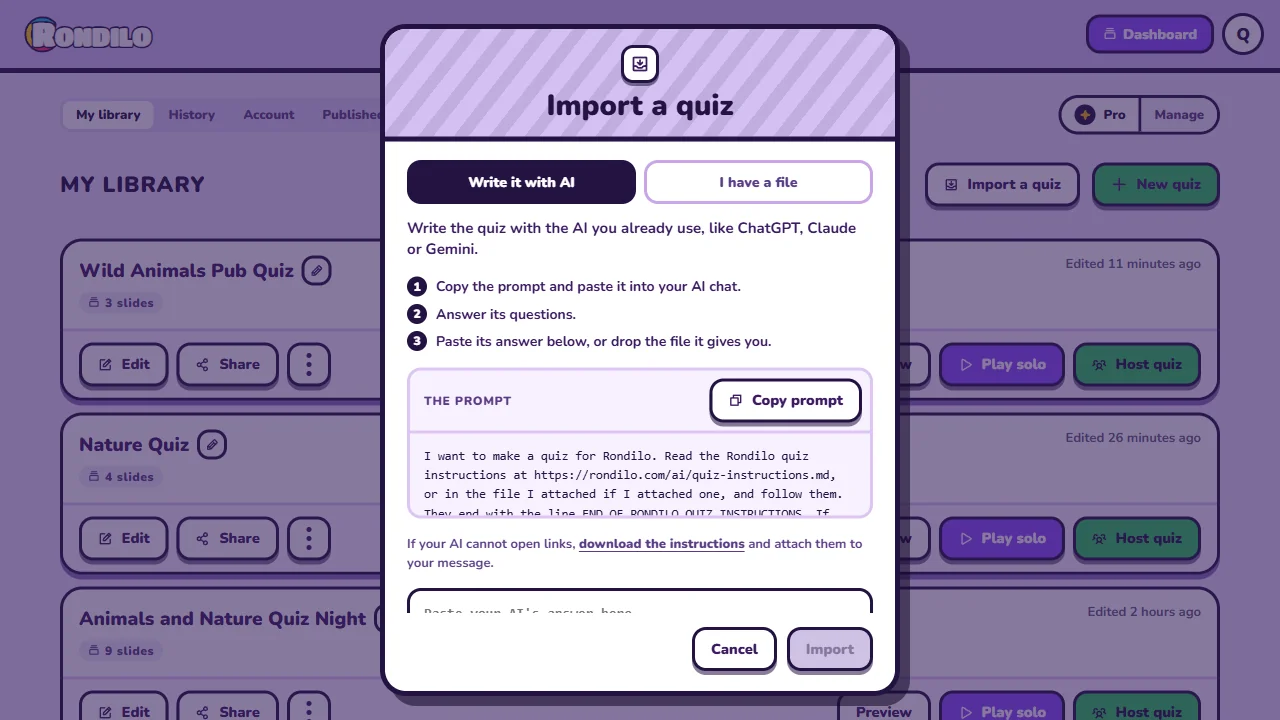
Hand your training material to the AI your company already approved and ask for a quiz. Your documents stay there. Rondilo only gets the finished quiz.
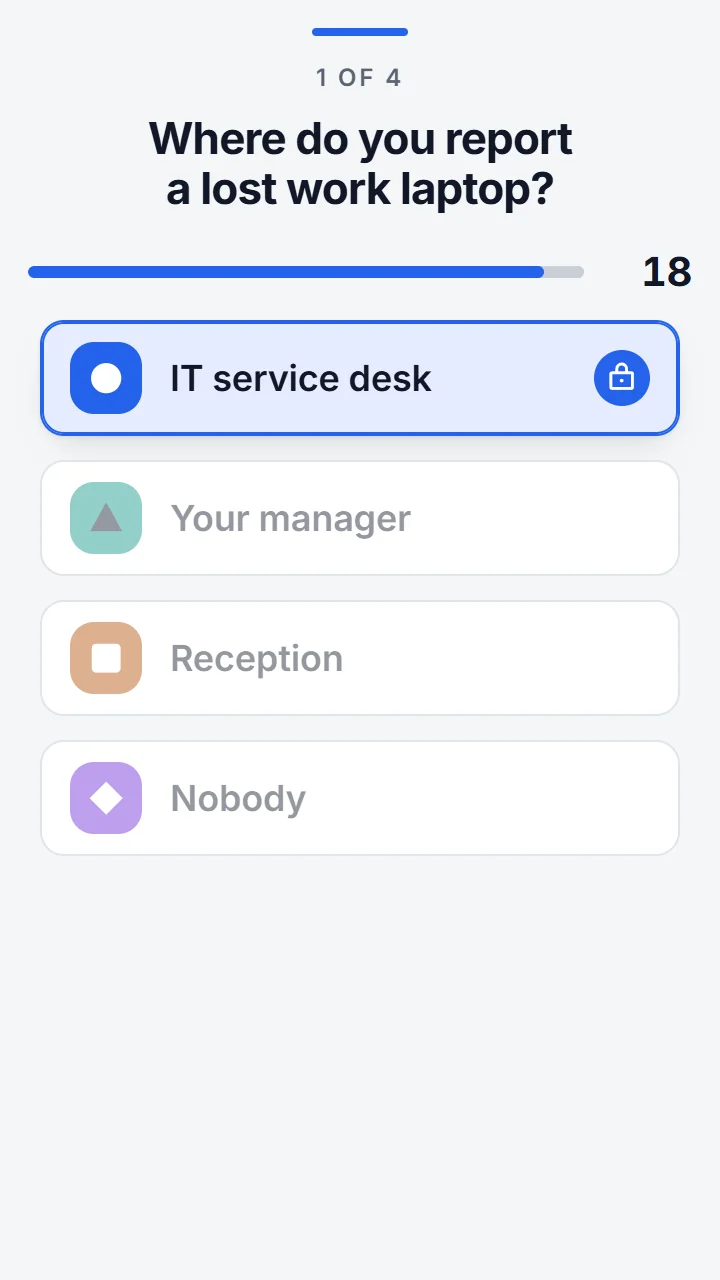
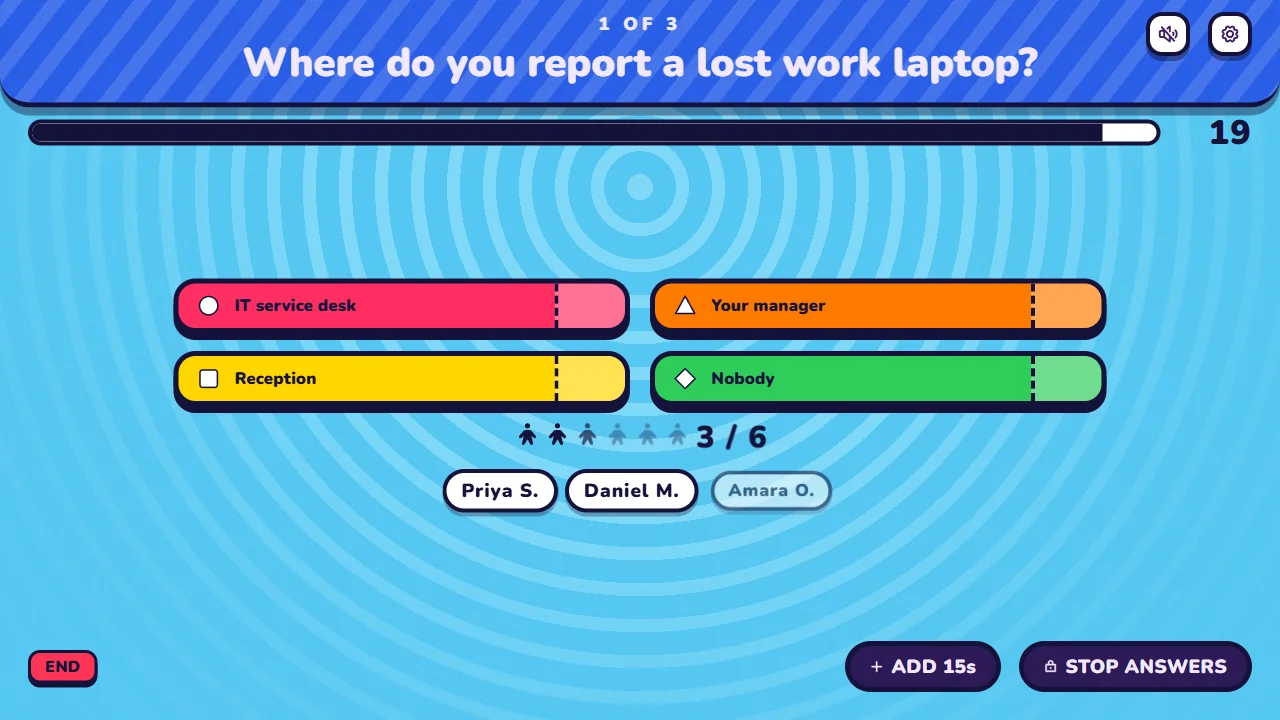
Show the quiz on the projector, or share your screen on Zoom, Teams or Meet. Everyone scans the QR code and answers on their own phone.
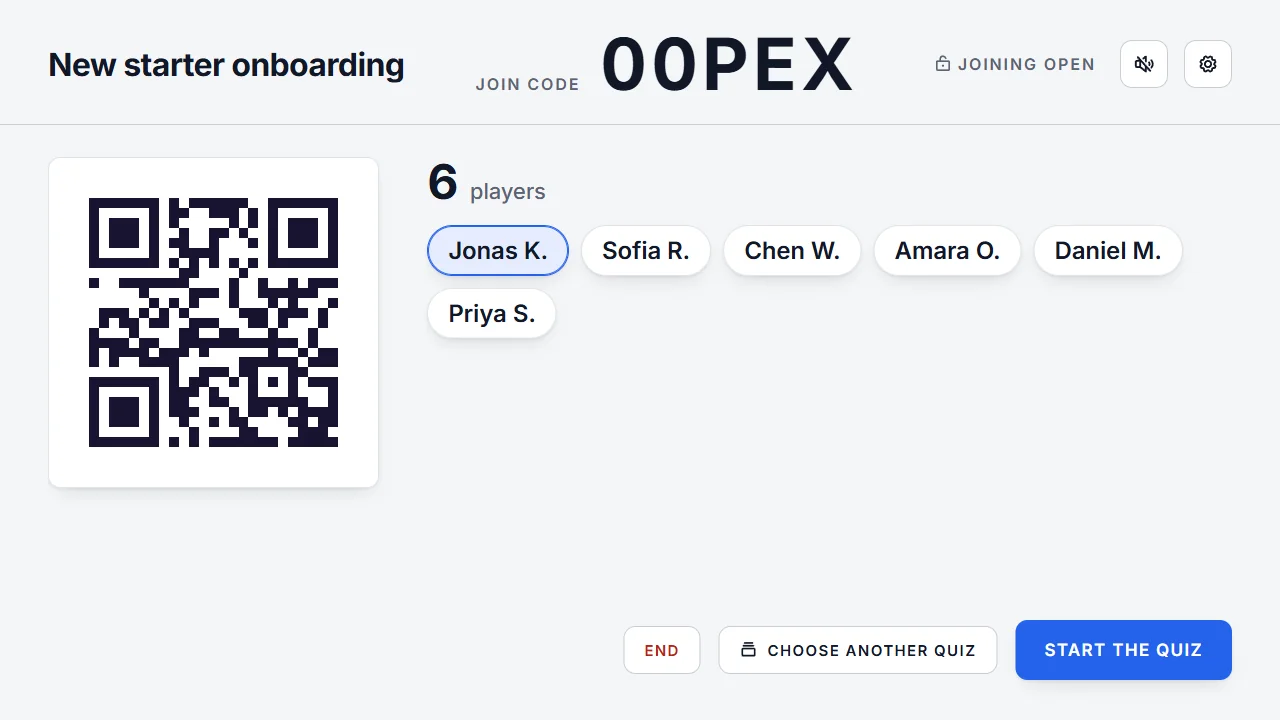



Free for up to 10 players. Party Pass covers 50, Pro covers 300.
Ask the group what they think. Nobody has to speak up first.
Ask for a number, put steps in order or have people type the answer.
Switch them off when getting it right matters more than getting it fast.
With Pro, switch to the Business theme for calm slides in your company's two colours.
Your quiz stays in My library, ready for the next training. Change a question or two and play it again.
Ask the AI you already use for a quiz on any topic.
Write your own questions in the quiz maker.
Pick a ready-made quiz and start in a minute.
No. They join in their phone's browser with a QR code or a code. There's no app to install, and only you need an account.
Yes. Share the host screen on Zoom, Microsoft Teams or Google Meet, and share its sound too if your quiz plays any. Everyone answers on their own phone.
Write your own questions in the quiz maker, or hand your training material to your company's AI and import the quiz it writes. Then press Host quiz and show the host screen on the projector or on your video call.
With Pro, yes. Detailed History keeps every person's name and answers, and you can download them as a spreadsheet. It's optional. You turn it on or off in the waiting room for each quiz, and while it's on, the waiting room tells everyone that you keep their name and answers. Turn it off for an anonymous quiz. Without it, History shows how the group did on each question and names only the players on the podium and the award winners.
For 7 days after the quiz. If you have a pass, it's kept until 30 days after your pass ends. You can delete it sooner.
No. Your company's AI reads them and writes the quiz. Rondilo only gets the finished quiz.
Up to 10 players on the Free plan, 50 with a Party Pass and 300 with Pro.
Yes. Rondilo has polls and word clouds as well as quiz questions. You show the host screen on the projector or on a video call, and everyone joins with a code and answers on their phone. It's free for up to 10 players. A Party Pass takes up to 50 and Pro up to 300. You pay once for 30 days or 1 year, and there is no subscription.
Free for up to 10 players. Ready before the coffee break.