Every student answers, not just the front row
Everyone answers at the same time on a phone, a tablet or a laptop. Students join with a QR code or a code and type their name. No accounts, nothing to install.
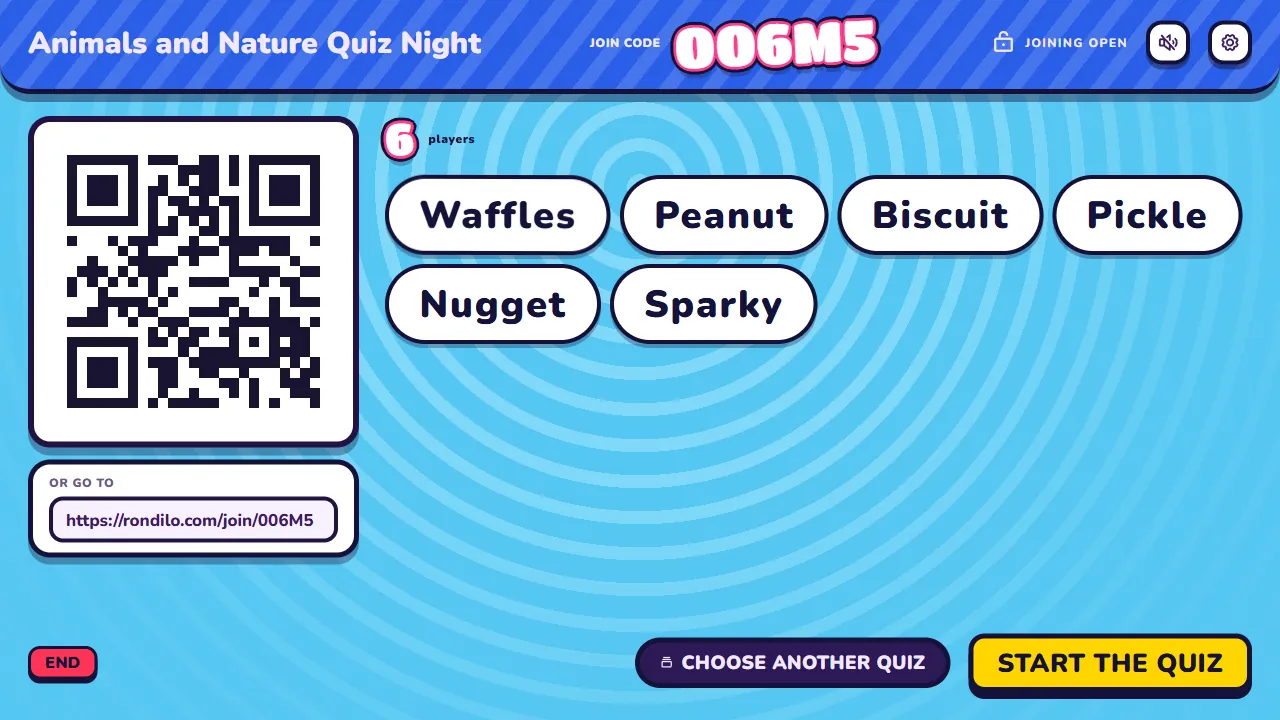
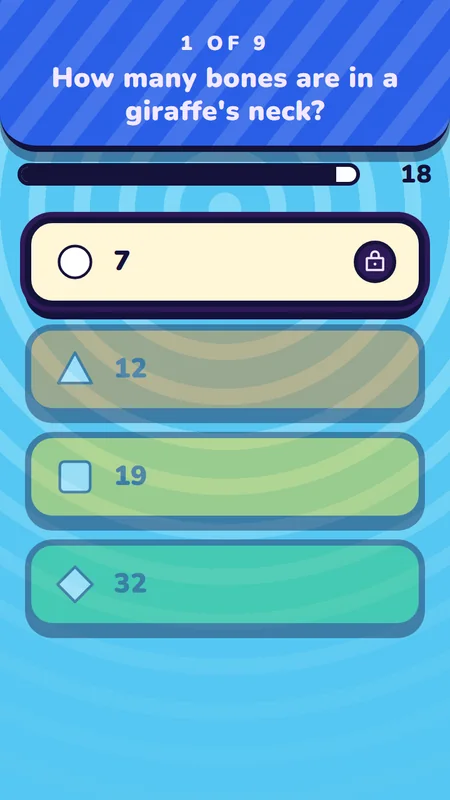
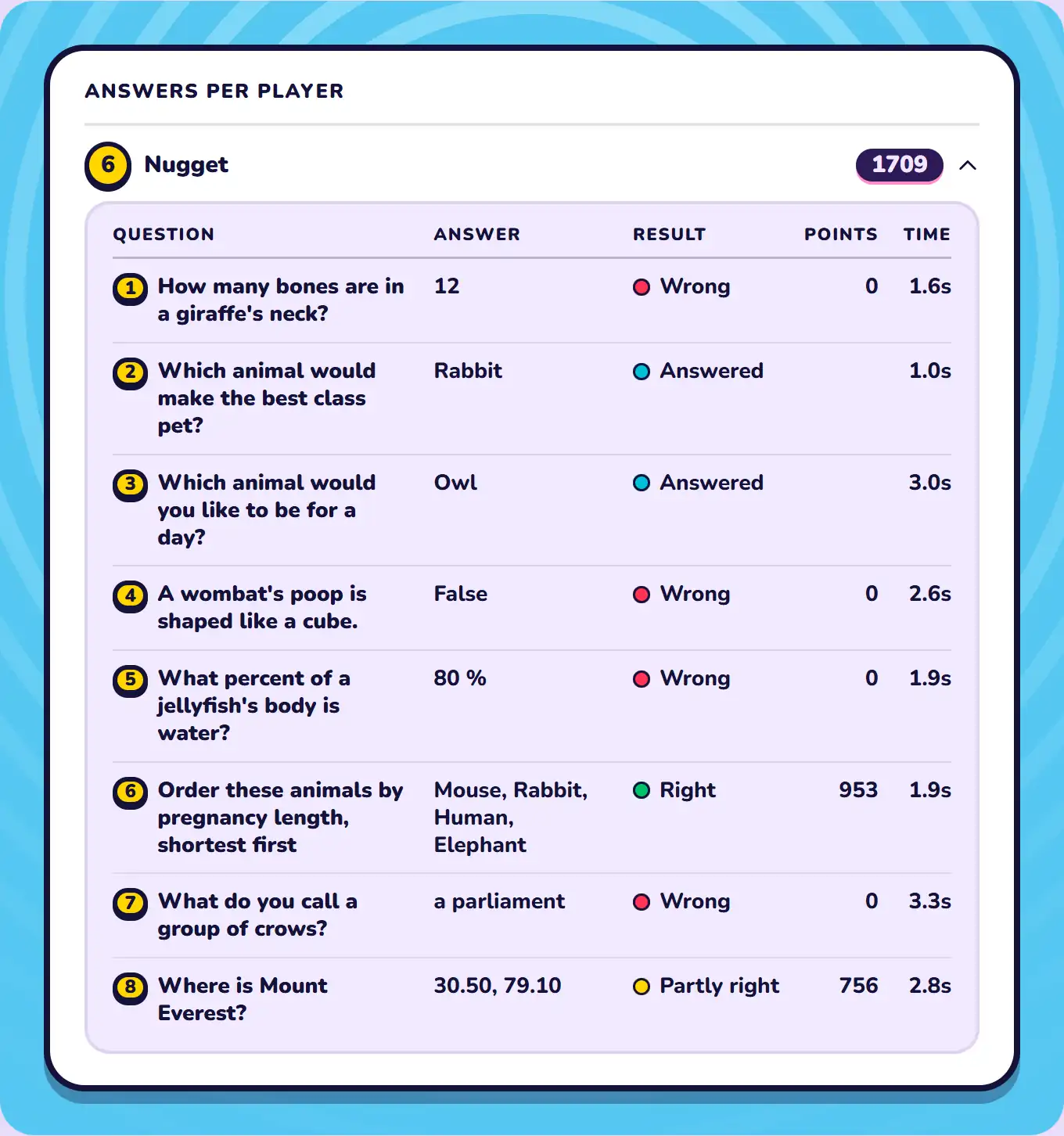
Put the quiz on the projector and let your class answer on their phones. Afterwards, see which questions tripped them up and what to cover next lesson.
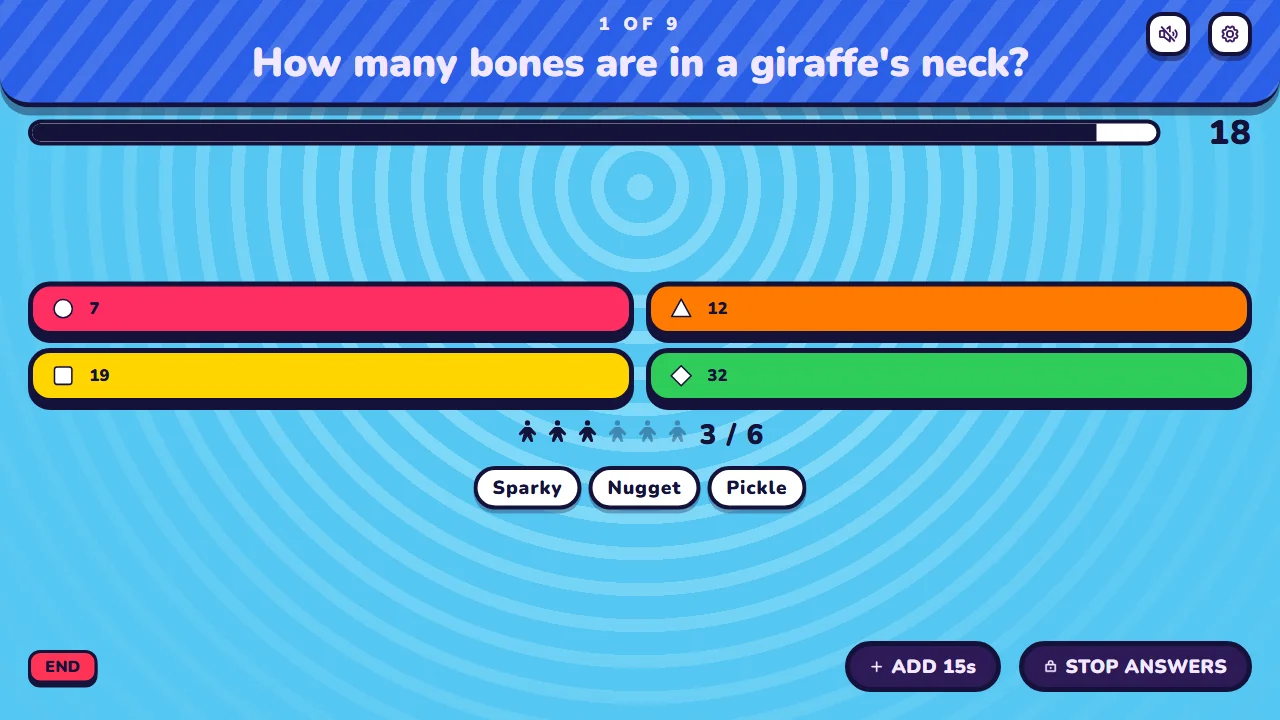




One screen at the front. Every student answers.
Everyone answers at the same time on a phone, a tablet or a laptop. Students join with a QR code or a code and type their name. No accounts, nothing to install.
With Pro, Detailed History keeps each student's name and answers. See who chose each answer, check one student's answers, or download a spreadsheet. Turn it on or off in the waiting room for each quiz. While it's on, the waiting room tells players that you keep their name and answers.
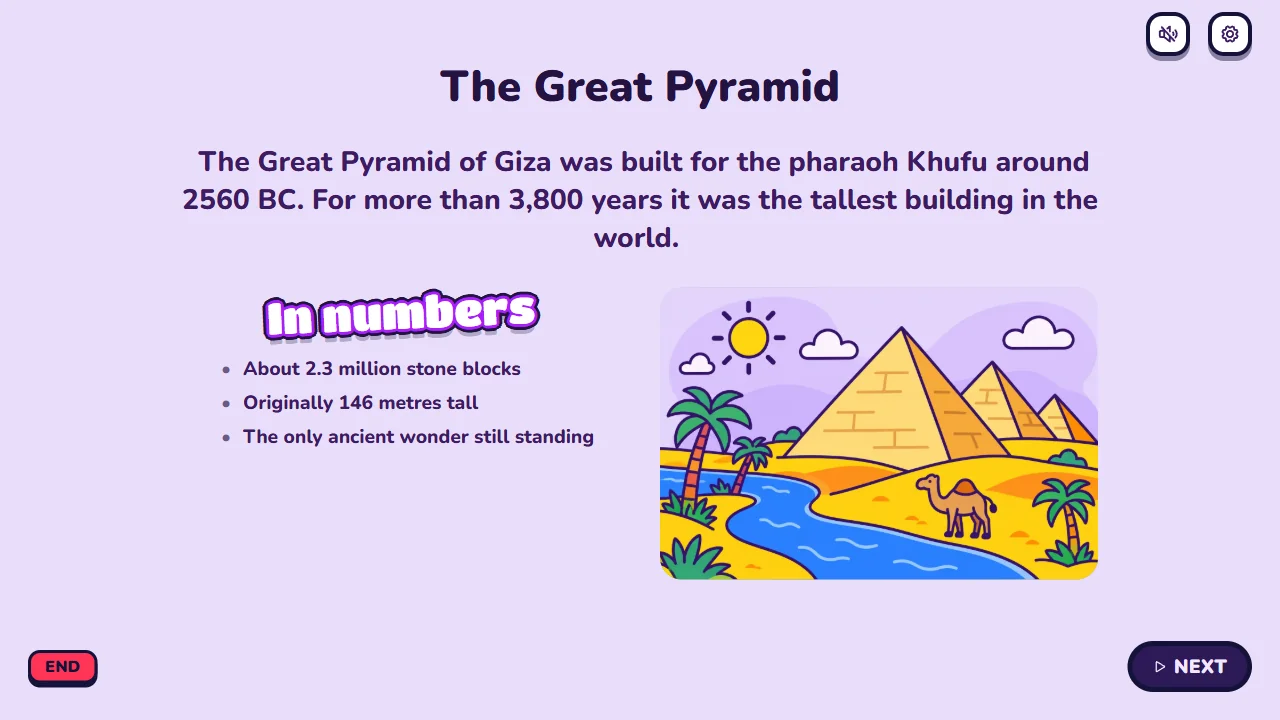
Ask a question, then use an info slide to explain the answer. The wrong guesses give you something to talk through.
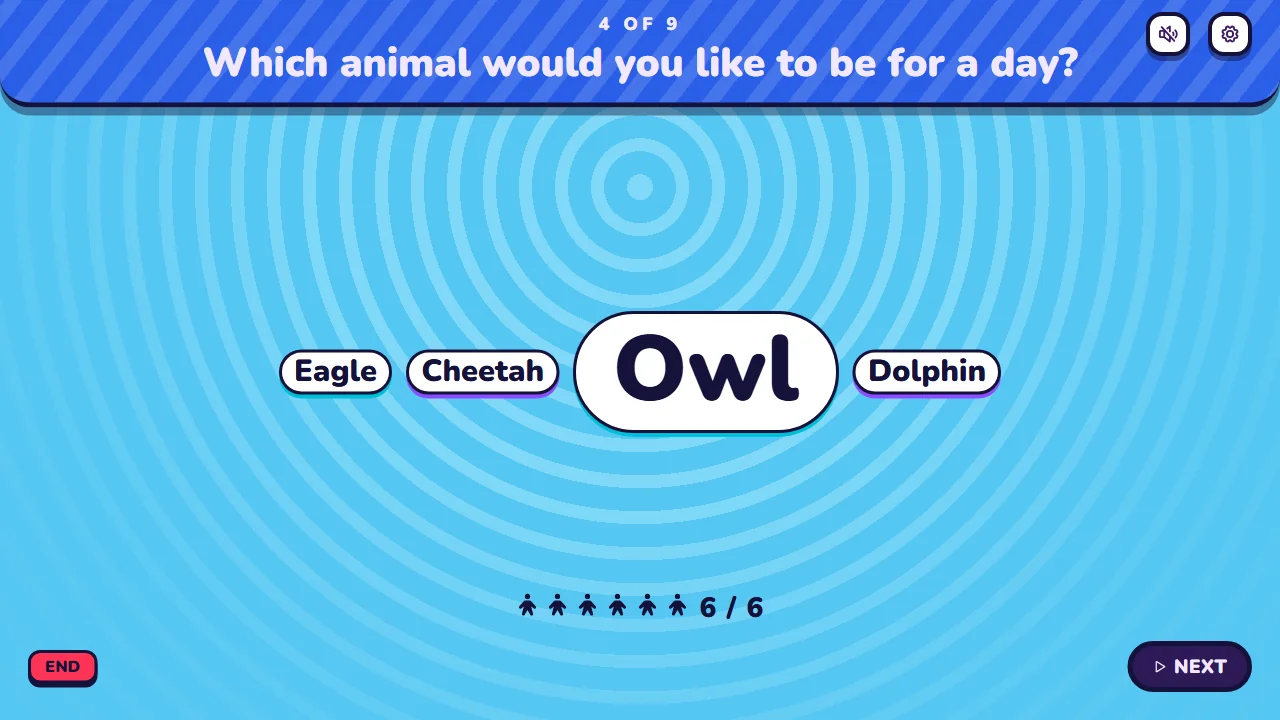
Ask a poll or a word cloud and see everyone's answers on the screen. Nobody has to put their hand up first.



Free for up to 10 players. For a whole class, use a Party Pass for up to 50 or Pro for up to 300.
Students can guess a number, sort a list, type the answer or pin a place on a map.
Small typos still count when students type the answer, and you decide which other answers are right.
Switch them off when getting it right matters more than getting it fast.
Show a painting or a map. Play a bird call or a bar of music.
Every quiz stays in My library. Use it with the next class, or copy it and change a few questions.
Ask the AI you already use for a quiz on today's topic.
Write your own questions in the quiz maker.
Pick a ready-made quiz and start in a minute.
No. They join in their browser with a QR code or a code and type a name. There's no quiz app to install, and only you need an account.
Any phone, tablet or laptop with a browser works. Students can also share one and answer as a team.
Write your own questions in the quiz maker, or ask the AI you already use to write the quiz. You can also add one of our public quizzes to My library and change it. Then press Host quiz and show the code on the projector.
With Pro, yes. Detailed History keeps every student's name and answers, and you can download them as a spreadsheet. It's optional. You turn it on or off in the waiting room for each quiz, and while it's on, the waiting room tells students that you keep their name and answers. Without it, History shows how the class did on each question and names only the players on the podium and the award winners.
For 7 days after the quiz. If you have a pass, it's kept until 30 days after your pass ends. You can delete it sooner.
Up to 10 players can join on the Free plan. For a whole class, use a Party Pass for up to 50 players, or Pro for up to 300.
Yes. You show the questions on the projector, students join with a code and answer on their phones, and a leaderboard shows who is ahead. It's free for up to 10 players. A whole class needs a Party Pass or Pro. You pay once for 30 days or 1 year, and there is no subscription.
Free for up to 10 players. Ready before the bell.